Preparing to Connect to Microsoft Dynamics 365
irX® for Microsoft Dynamics 365 communicates with Microsoft Dynamics 365 in order to establish the InRule® Entities and Fields that correspond to those in Microsoft Dynamics 365. To facilitate that communication, you must define some environments. You will need one environment for each Microsoft Dynamics 365 environment that irAuthor® will connect to.
For each environment, you must specify or configure the following:
- The Dynamics 365 credentials (typically your Microsoft account username and password) needed to connect
- Minimum Required Dynamics Permissions in Microsoft Dynamics 365
This information is sufficient for Advanced Login, but if using Legacy Login, you will also need:
You will define these environments in Configuring Dynamics 365 Environments.
Minimum Required Microsoft Dynamics 365 Permissions
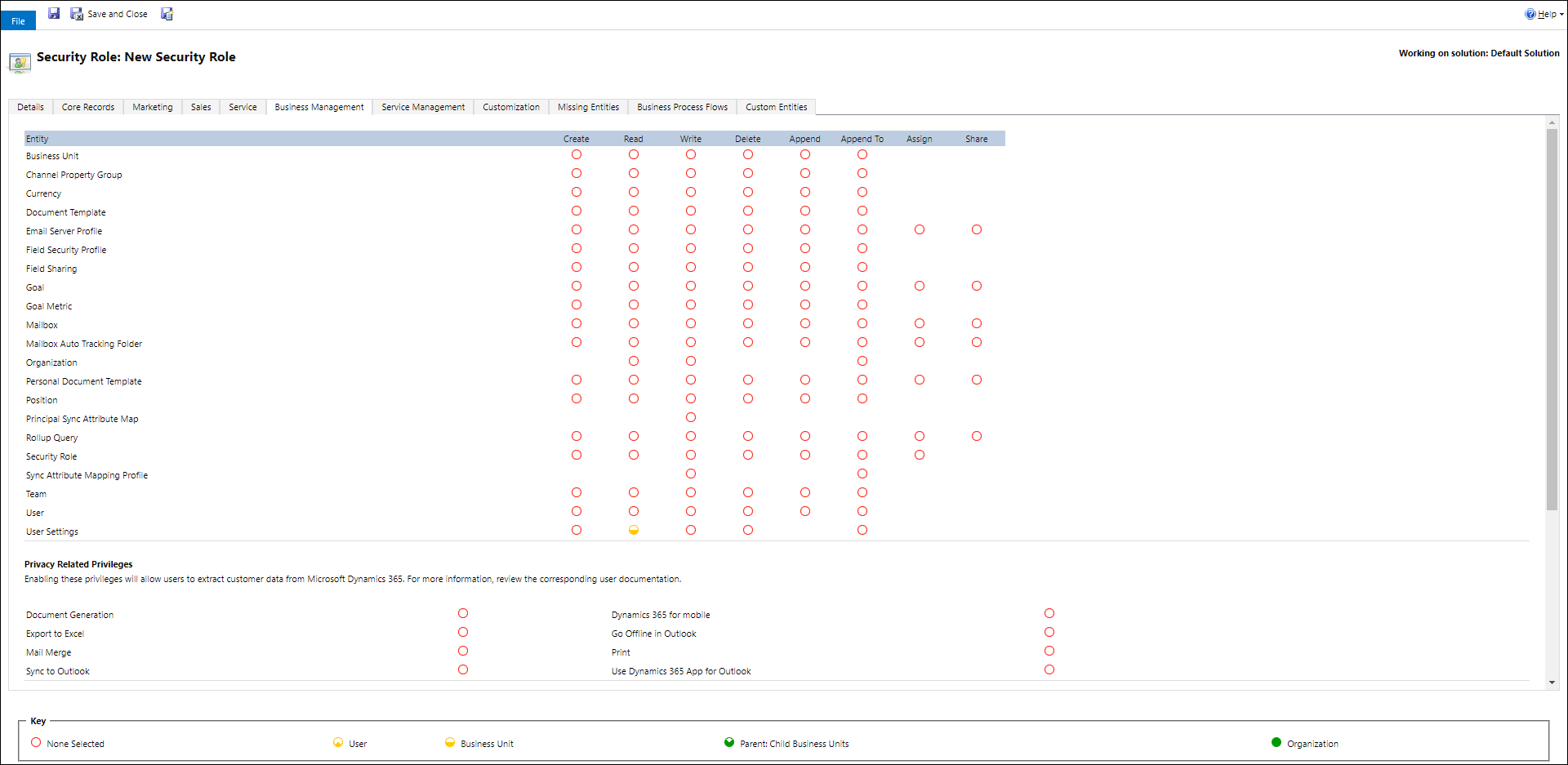
To use irX for Microsoft Dynamics 365, you must have the following minimum permissions for any Microsoft Dynamics 365 environment you would like to access.
Business Management Tab
- User Settings: Read - User
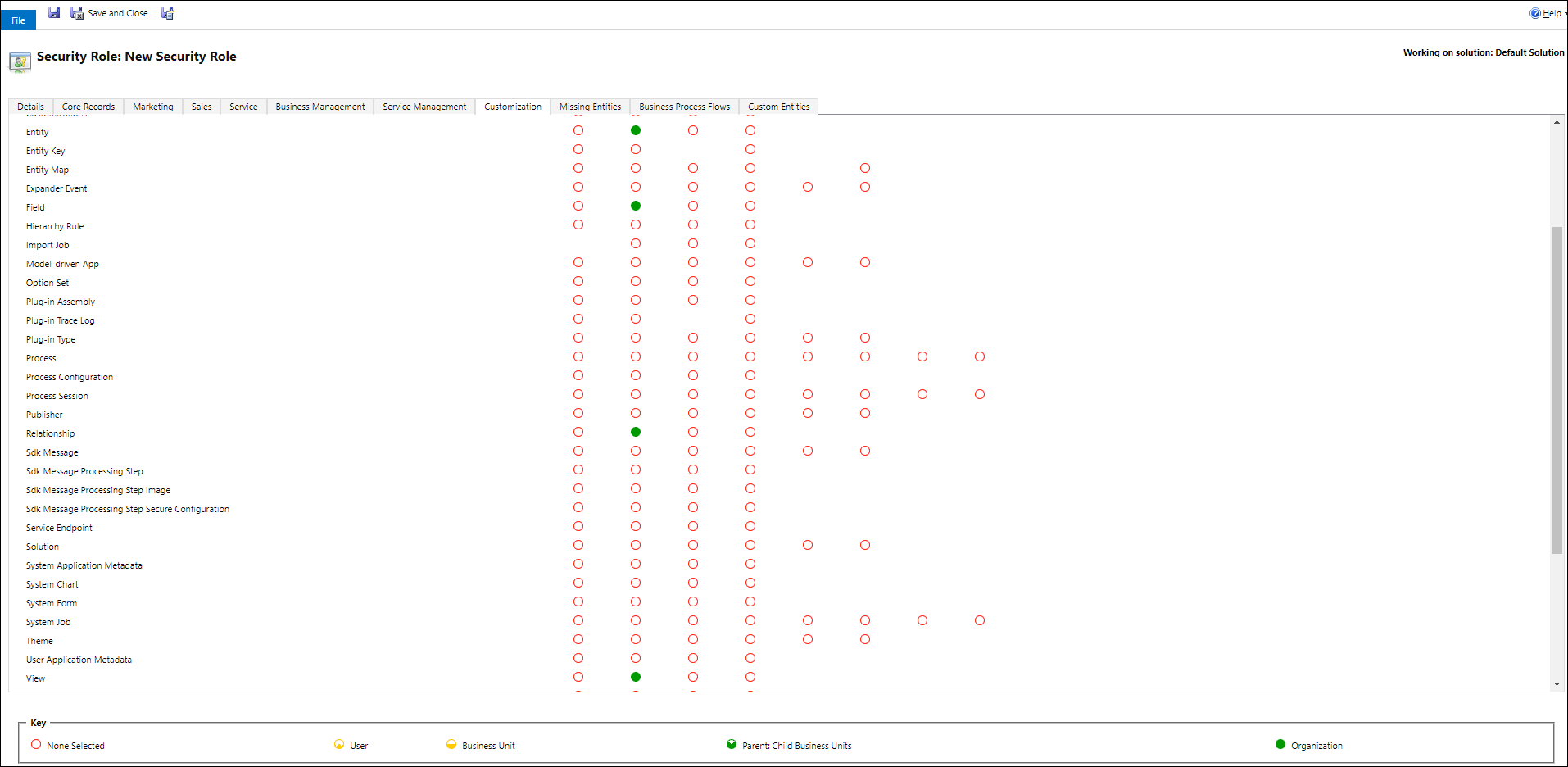
Customizations Tab
- Entity: Read - Organization
- Field: Read - Organization
- Relationship: Read - Organization
- View: Read - Organization
Determining the Microsoft Dynamics 365 Organization Service URL
When configuring irX for Microsoft Dynamics 365 to point to a Microsoft Dynamics 365 environment, you will need to provide a URL for the Organization Service.
This URL is managed automatically when users configure an environment using the Advanced Login.
If using Legacy Login, the following instructions explain where to find the Organization Service URL in the Microsoft Dynamics 365 user interface.
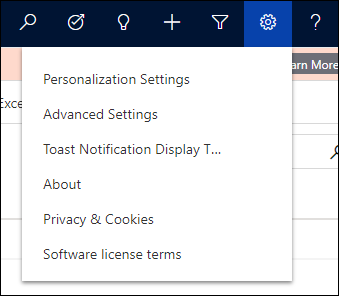
- From the Dynamics setting wheel, select Advanced Settings.
- Then, in the settings dropdown, select Customization.
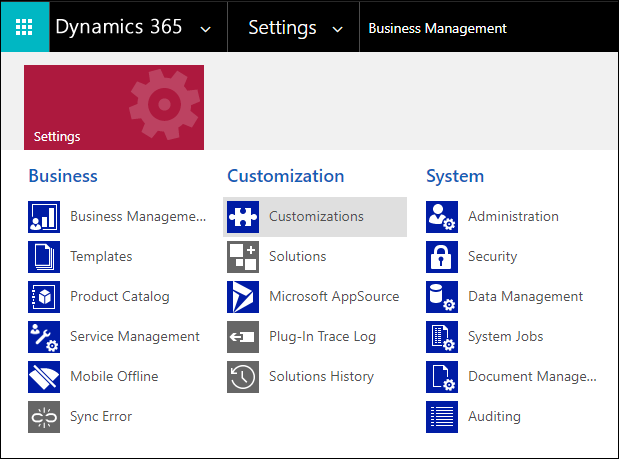
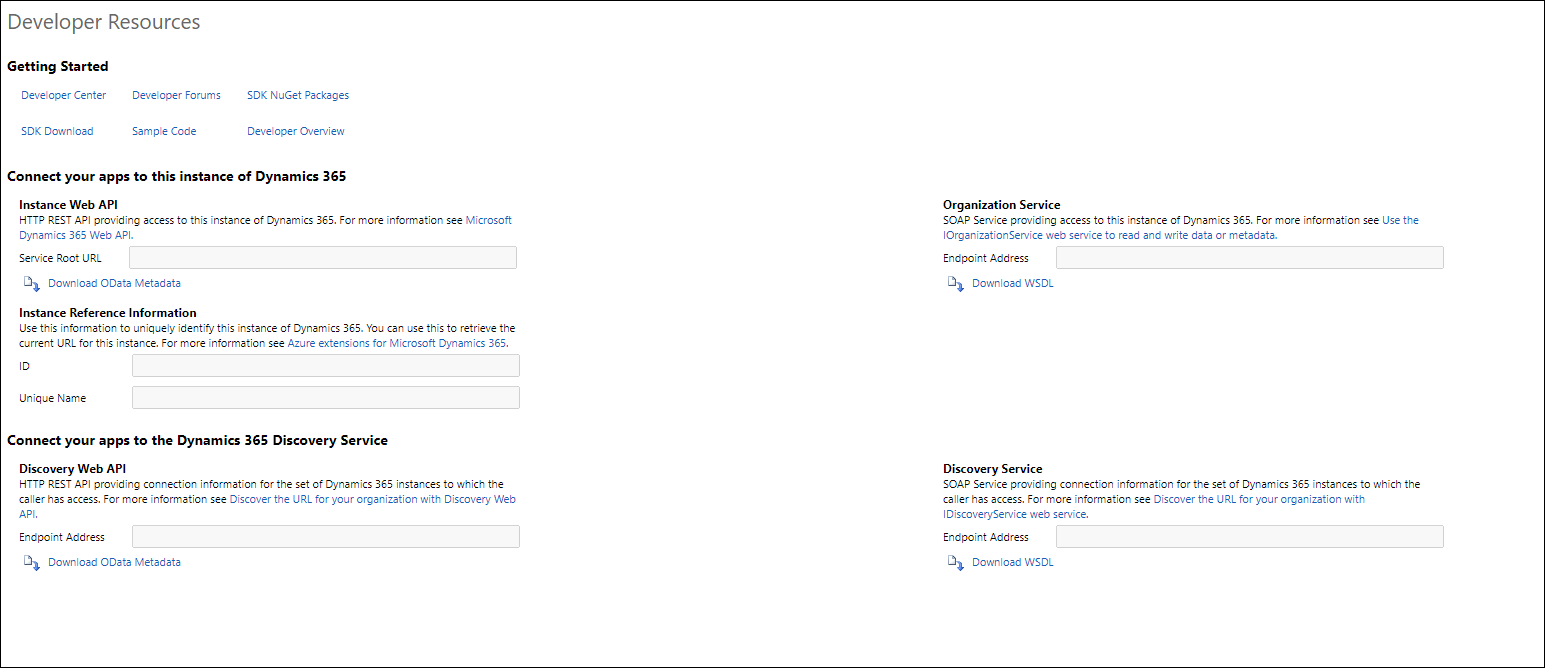
- Click Developer Resources.

- Use the Endpoint Address under Organization Service for irX for Microsoft Dynamics 365.