Expression editor
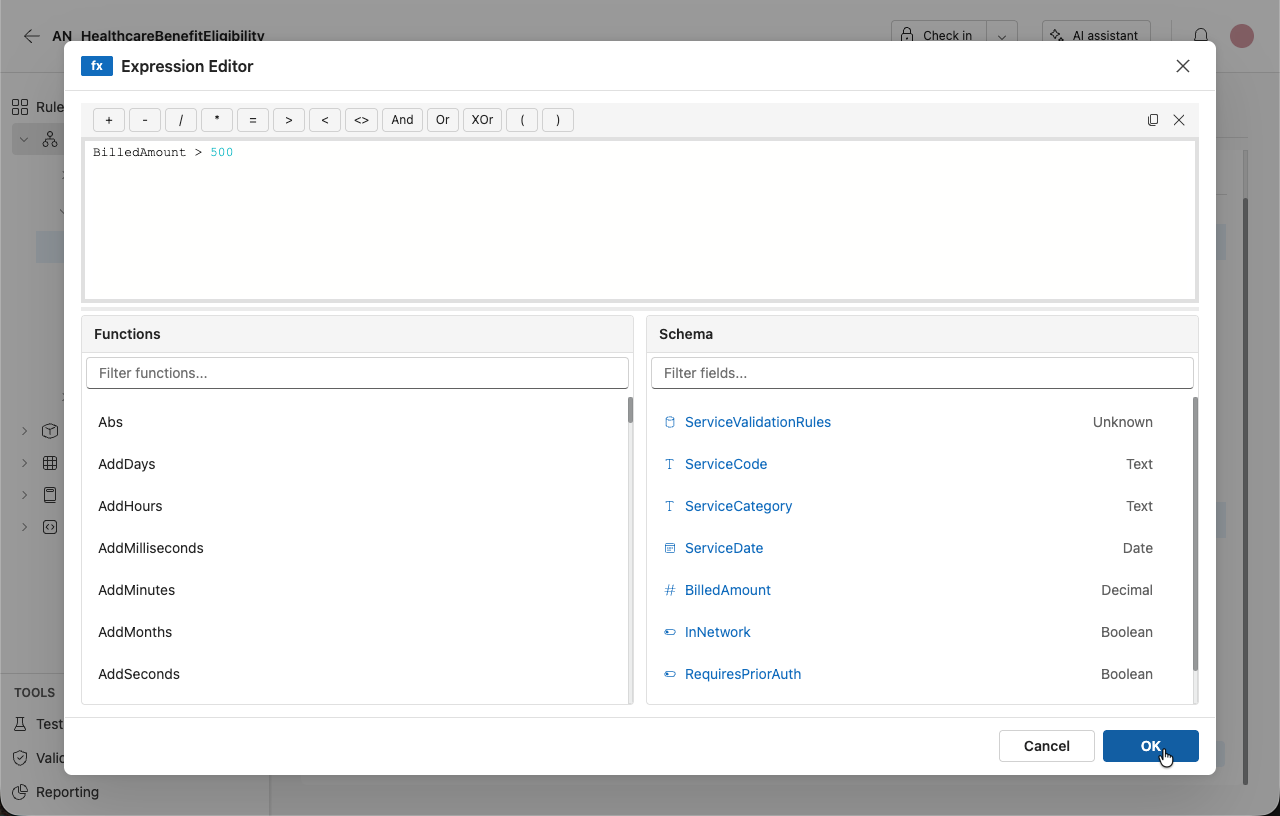
You can use the expression editor to add an expression as a condition of a rule.
-2832b3effc739be693df65dd01f3261d.png)
Add an expression to a rule
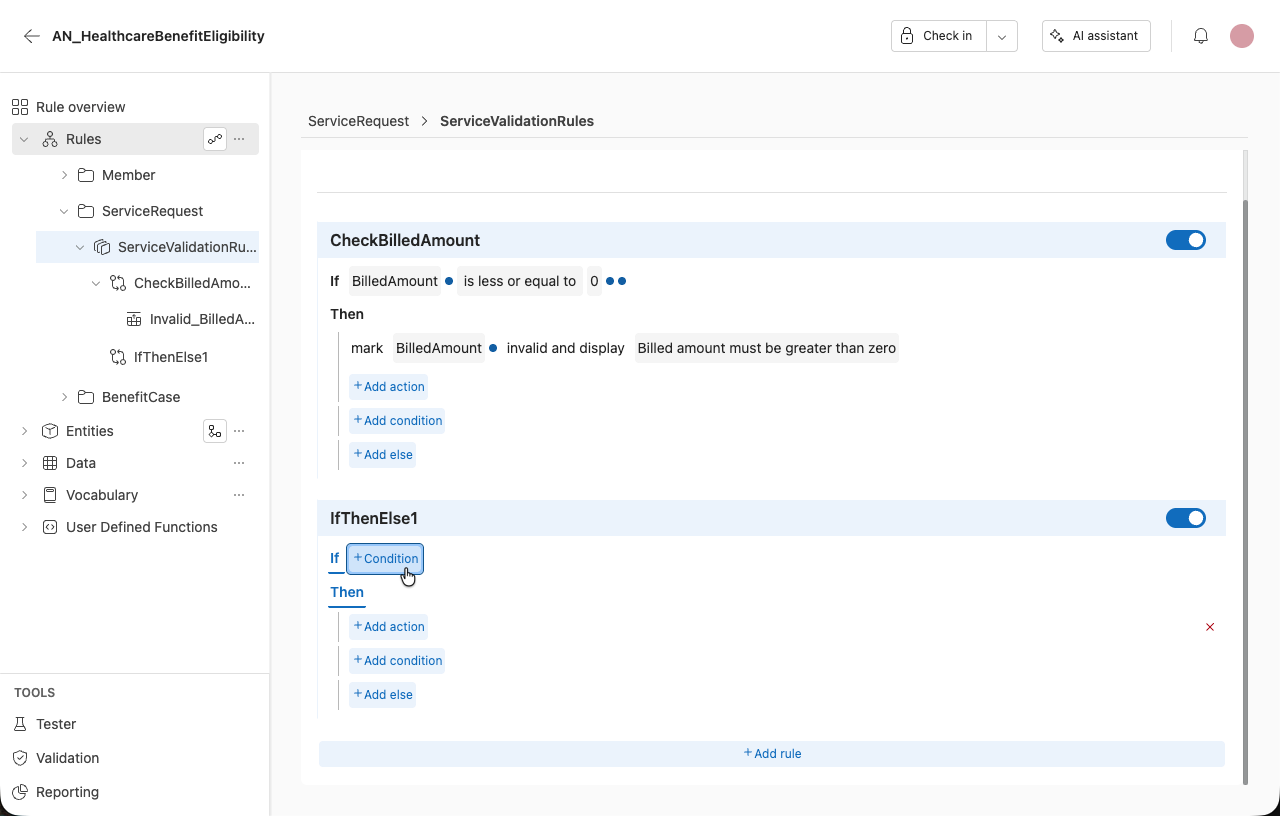
- Click on the + Condition button or the condition extender.
-
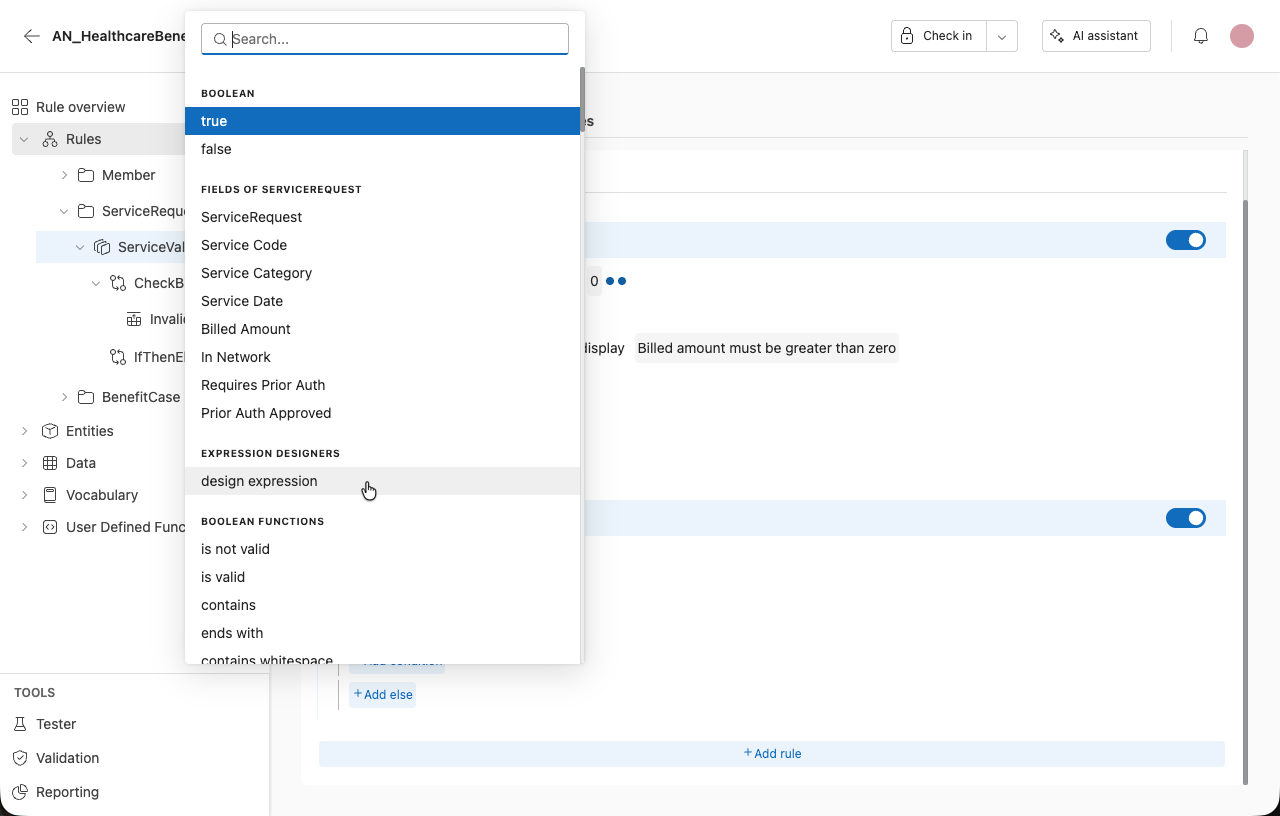
Select Design expression.
-
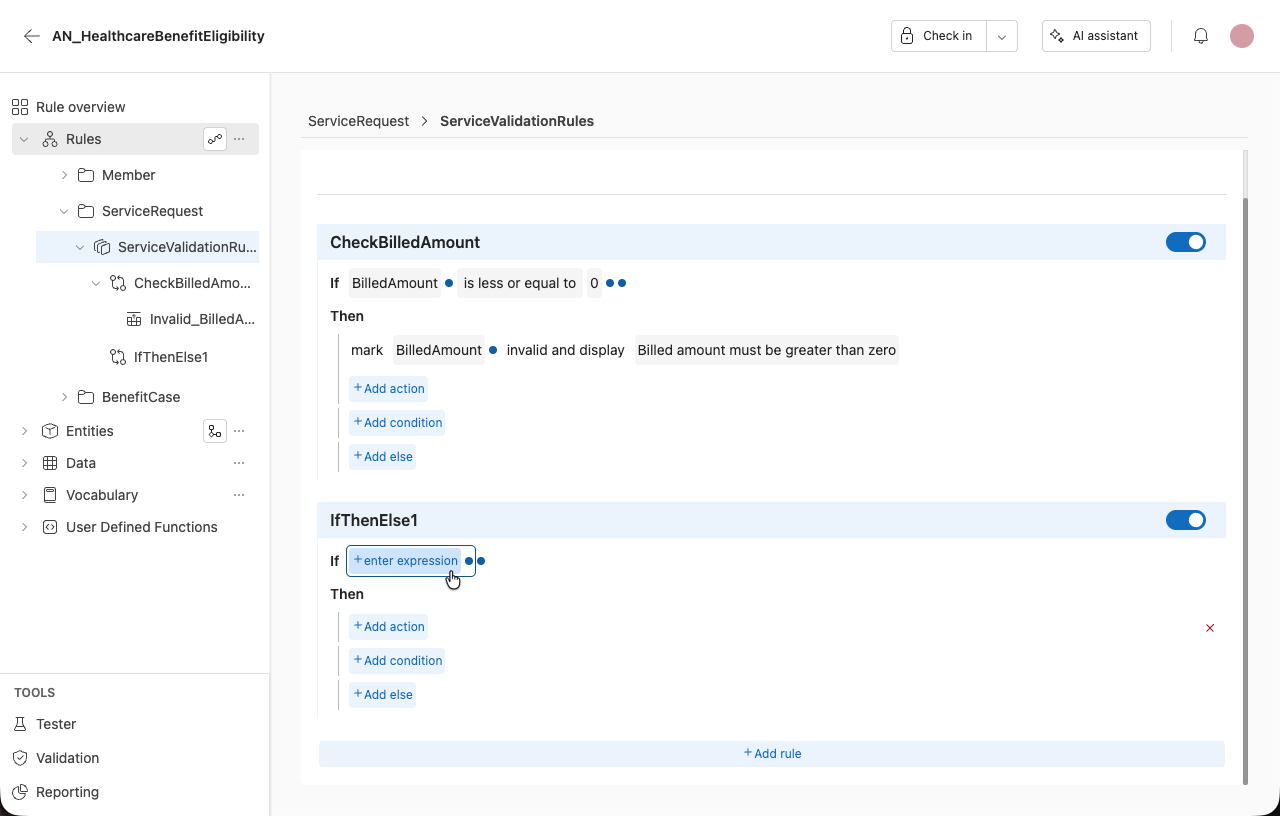
Select + enter expression to open the expression editor.
-
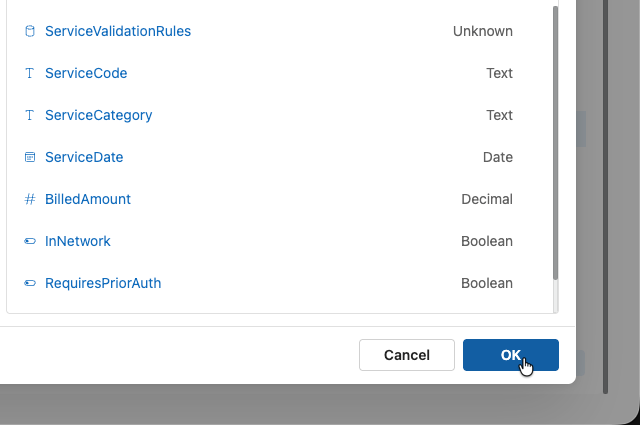
Write your expression by choosing from the available Functions and Schema. The Web version of irAuthor allows filtering within the expression editor.
For a list of all functions available with examples, see the article, All Functions.
-
Select OK to add the expression to the rule.