User Permissions
User permissions in irAuthor Web are controlled through roles assigned in the catalog. These roles determine what actions a user can perform when working with rule applications.
Modify Access
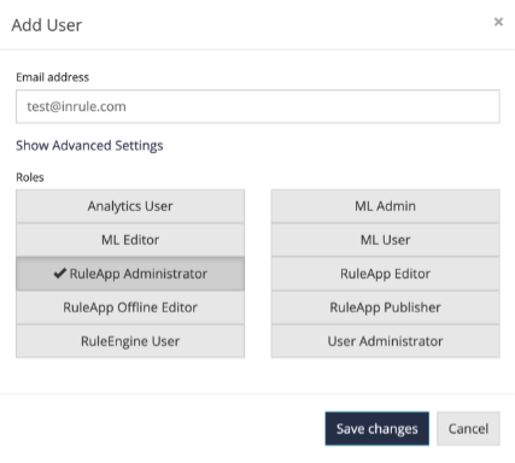
To allow a user to create or modify rule applications in irAuthor Web, assign the RuleApp Administrator role when adding the user to the catalog.
Users with this role can:
- Create and edit rule applications
- Check rule applications in and out
- Modify entities, rules, and decisions
Read-Only Access
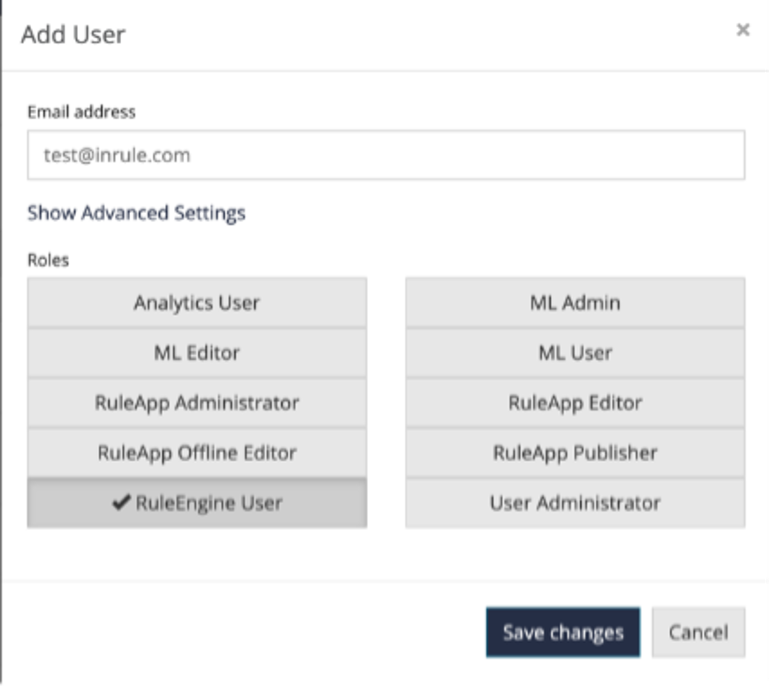
To provide read-only access, assign only the RuleEngine User role.
Users with read-only access can:
- View rule applications
- Navigate entities, rules, and diagrams
- Run tests (where permitted)
They cannot make changes or check out rule applications.
Manage Teams
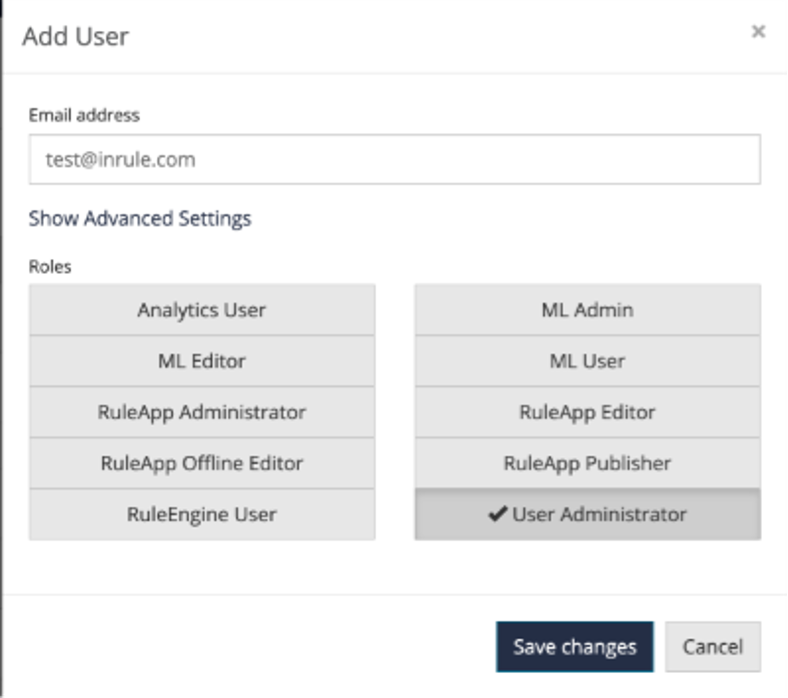
To allow a user to manage teams or assign rule applications to teams, assign the User Administrator role.
This role enables:
- Creating and deleting teams
- Assigning users to teams
- Assigning rule applications to teams