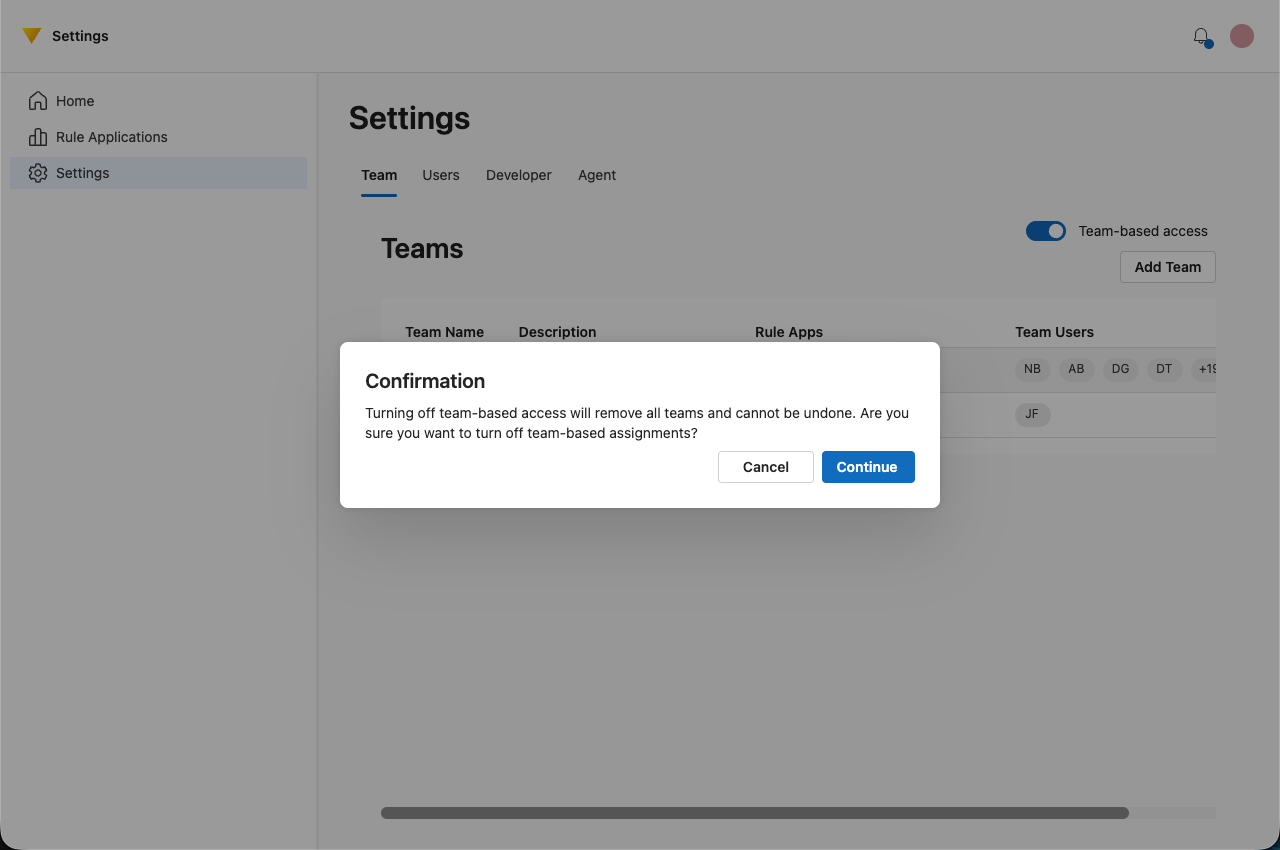
Check or Change Global Mode
Global Mode controls how new rule applications are assigned to teams when they are created.
Accessing Global Mode Settings
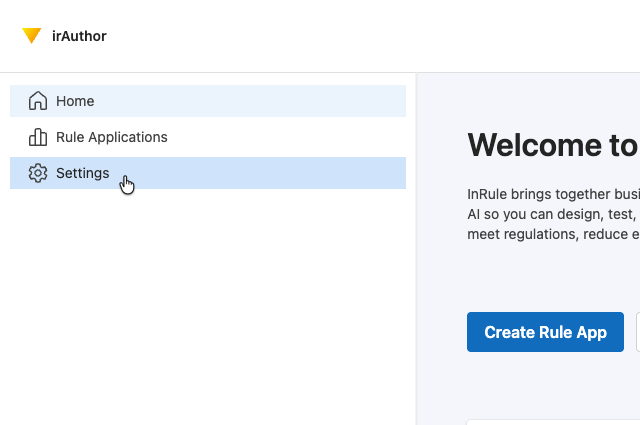
- Navigate to Settings in irAuthor Web.
- Select the Team tab.
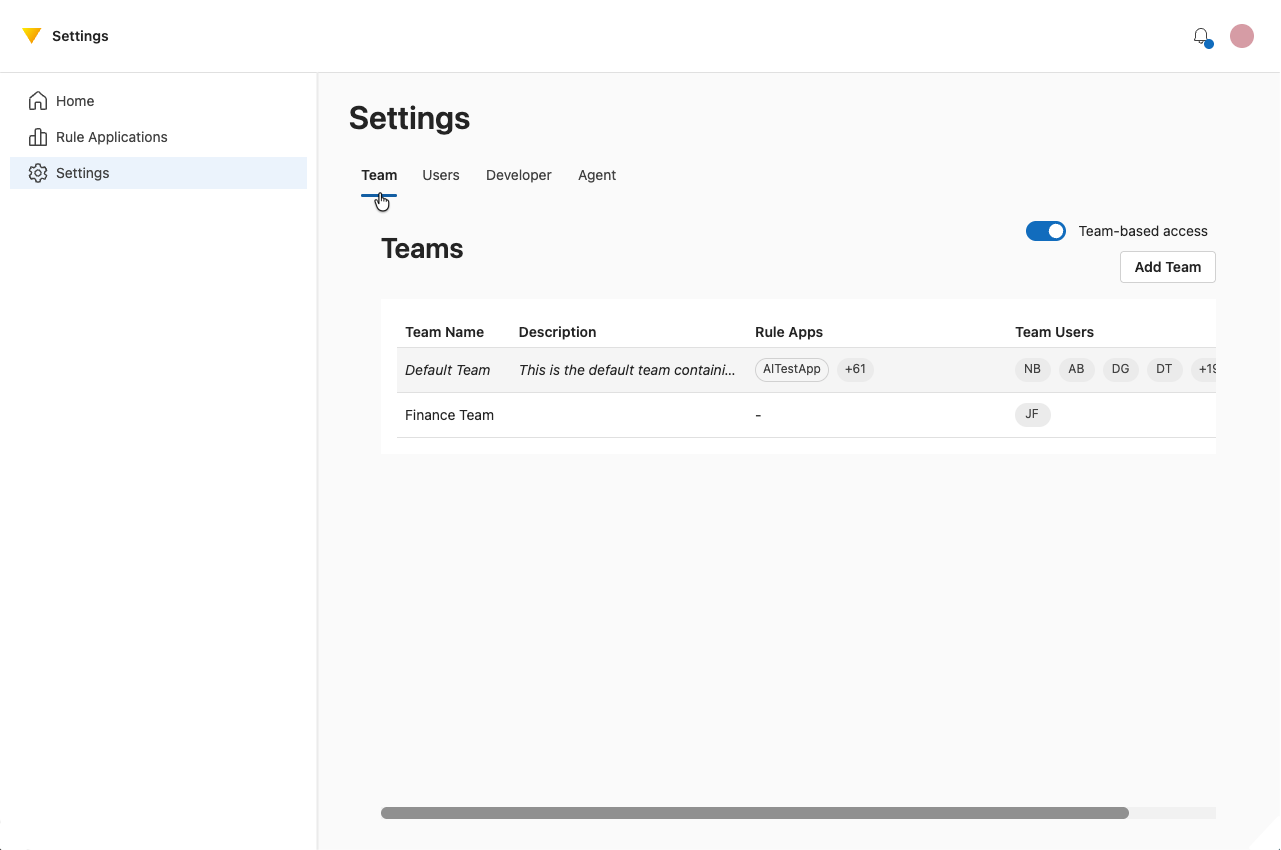
Team-Based Access Toggle
Use the Team-based access toggle to determine how rule applications are assigned.
Off (Default)
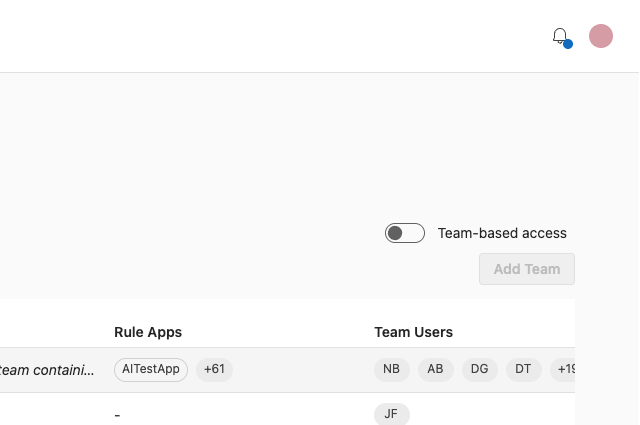
- All new rule applications are automatically assigned to the tenant’s default team.
- No team selection is required during creation.
On
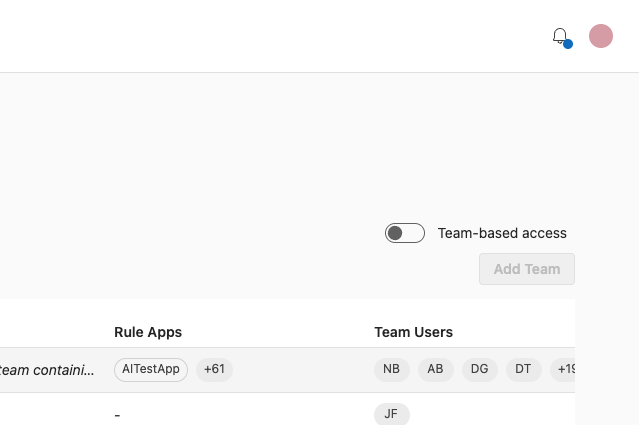
- You can assign new rule applications to specific teams during creation.
- Only members of the selected team will have access.
Confirming Changes
When switching modes, you must confirm the change.
warning
Switching from team-based assignment back to default assignment will reassign all non-default rule applications to the default team.
warning
Use caution when changing modes in environments with active governance requirements.