Access irAuthor Web
irAuthor Web is accessed through the InRule Portal and allows users to author, manage, and test rule applications directly in the browser.
Requesting Access
Internal trials for irAuthor Web are available. To request access, contact your InRule representative.
Once access is granted, you can sign in using your existing InRule Portal credentials.
Accessing irAuthor Web
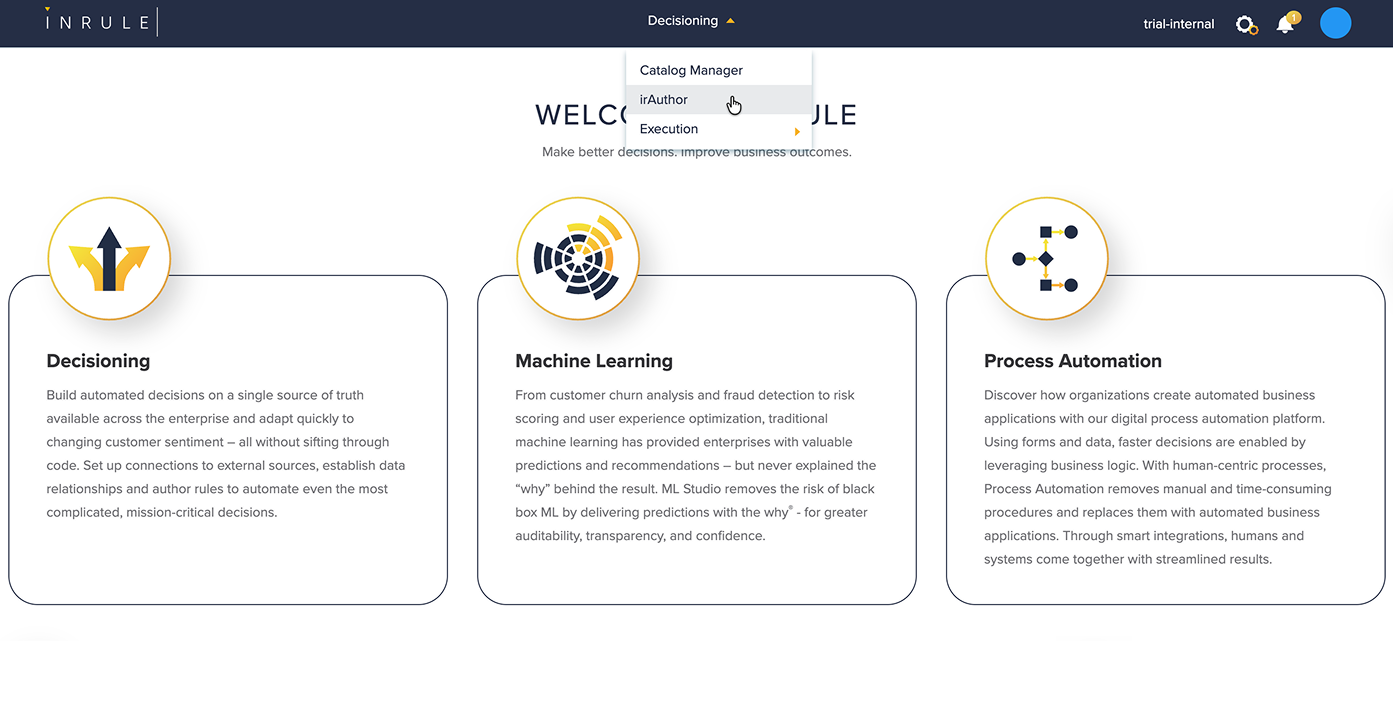
- Navigate to the InRule Portal.
- Select Decisioning from the top navigation menu.
- Choose irAuthor from the available options.
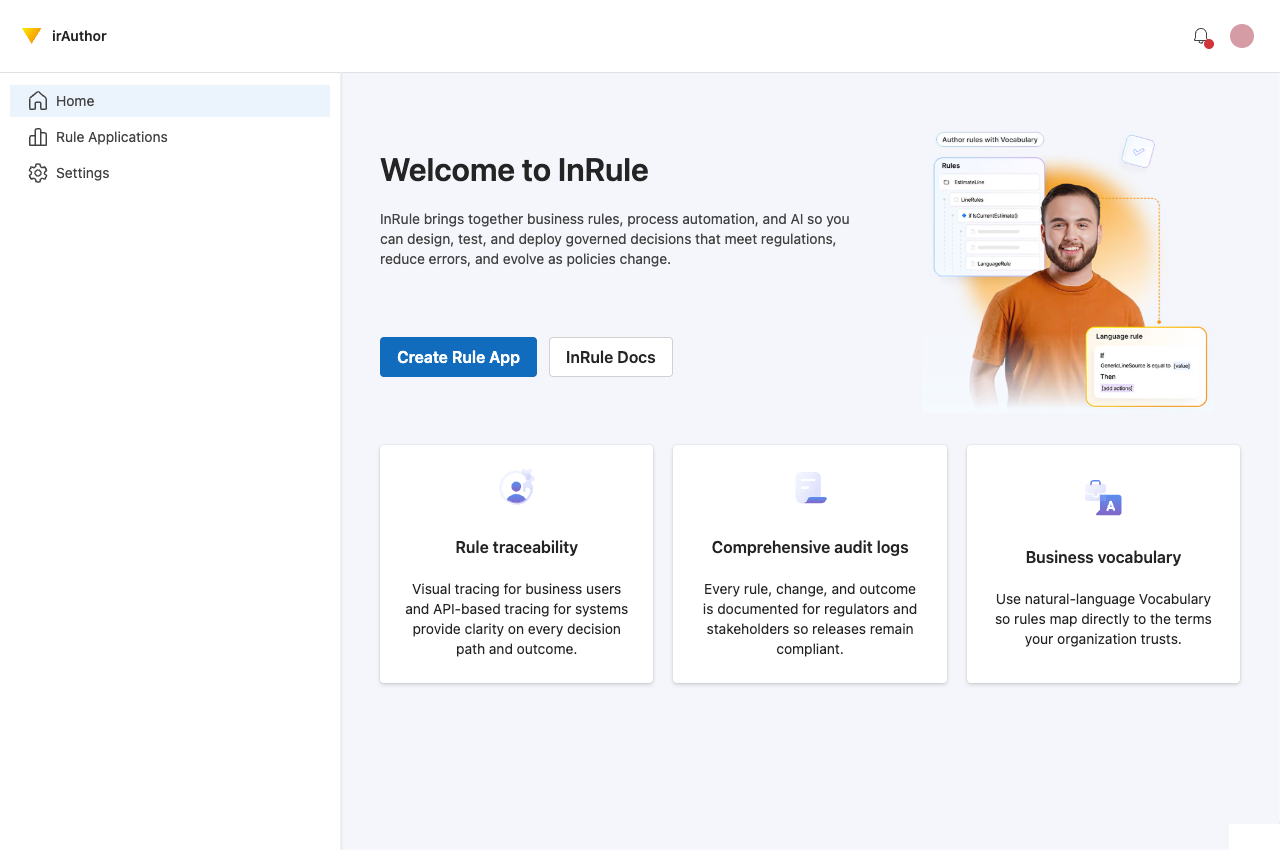
You will be redirected to the irAuthor Web home page.
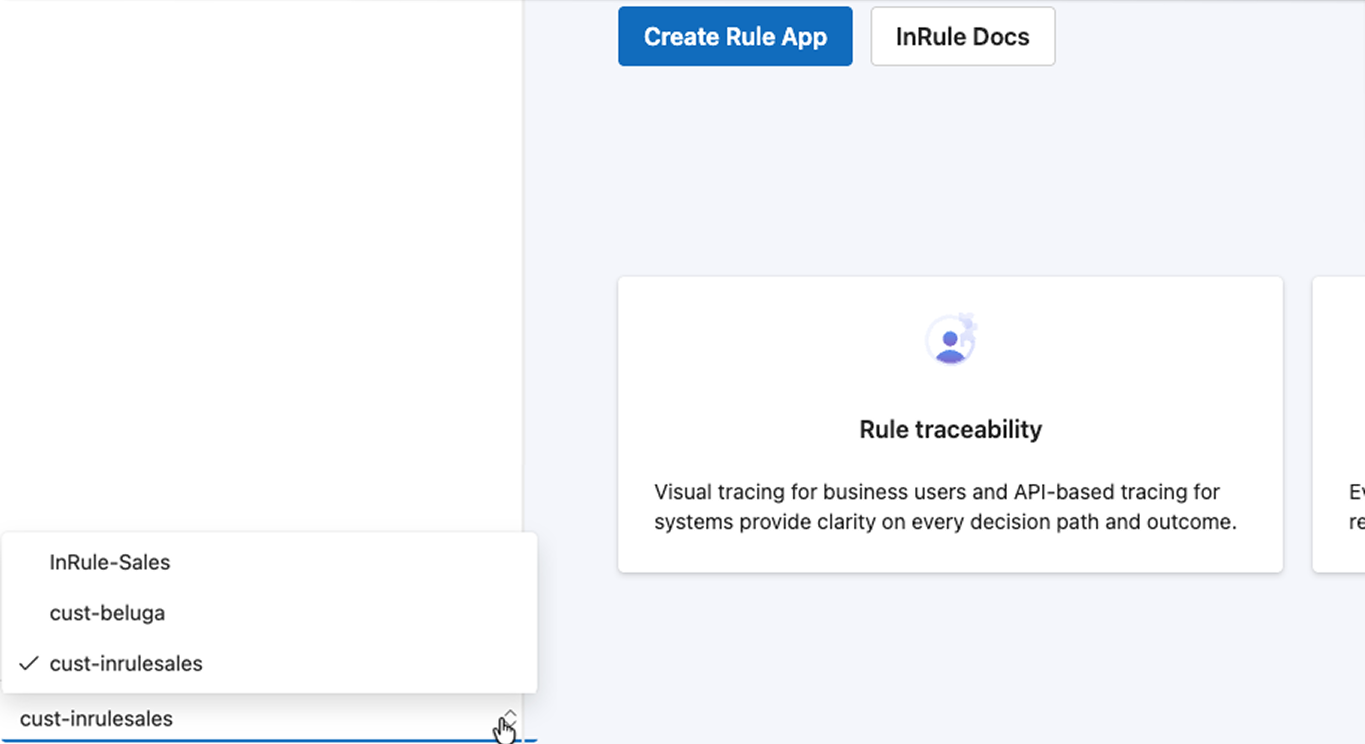
Environments and Tenants
If your account has access to multiple tenants or environments, you can switch between them using the tenant selector in bottom left-hand corner of the screen. The selected tenant determines which rule applications, users, and teams are available.