Team Permissions
Team permissions provide an additional layer of governance by limiting rule application access to specific teams. This feature enables team-level permissions for rule applications that are limited to authoring on irAuthor on Web only.
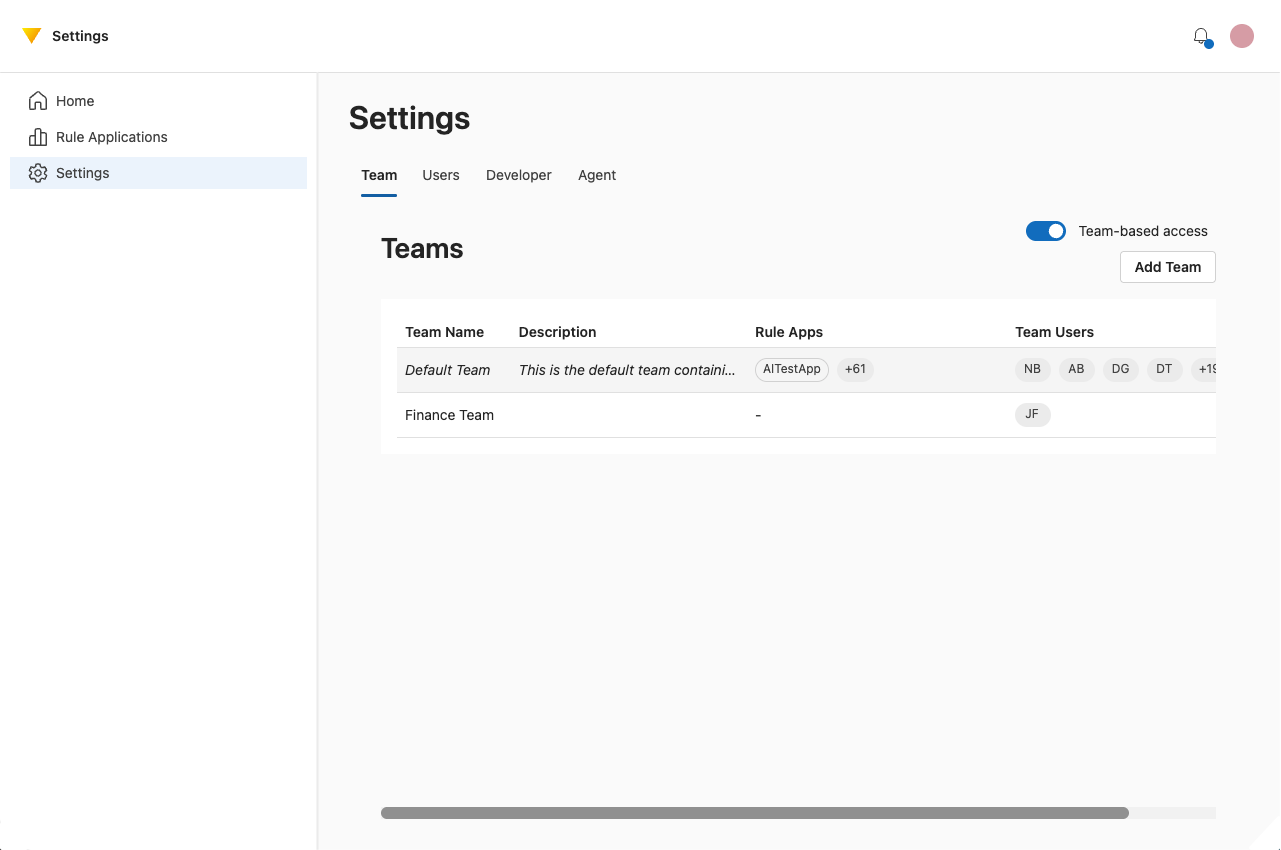
Overview
When team permissions are enabled:
- Only members of the assigned team can access a rule application
- Each tenant has a default team that includes all catalog users
- Users may belong to multiple teams
This model improves security and compliance by ensuring rule applications are only accessible to authorized users.
Assigning Rule Applications to Teams
Rule applications can be assigned to teams during creation or updated later by a user with appropriate permissions.
Only members of the assigned team will be able to:
- View the rule application
- Check it out
- Make modifications
Managing Teams
To manage teams:
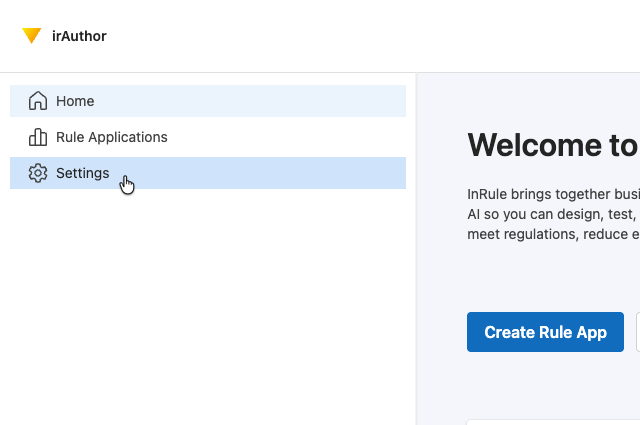
- Navigate to Settings in irAuthor Web.
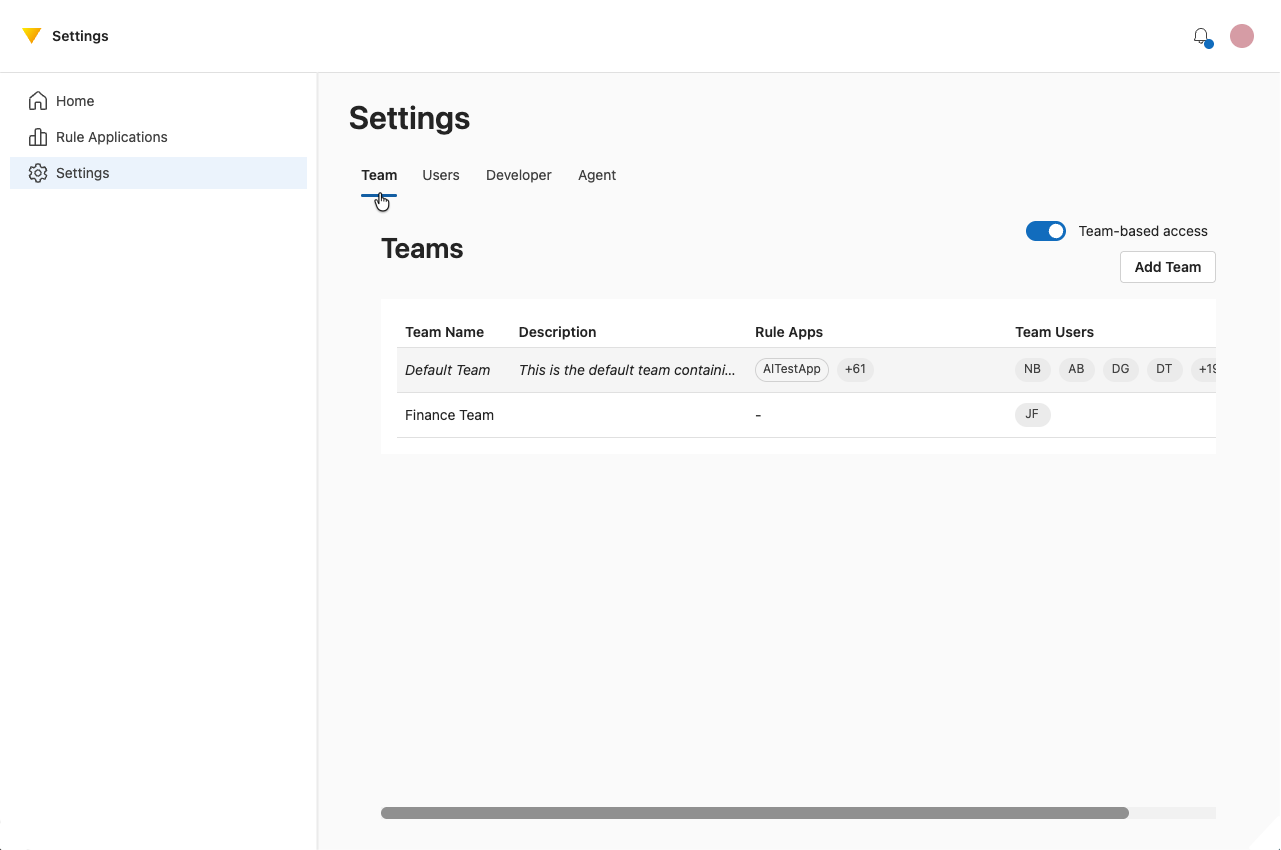
- Select the Team tab.
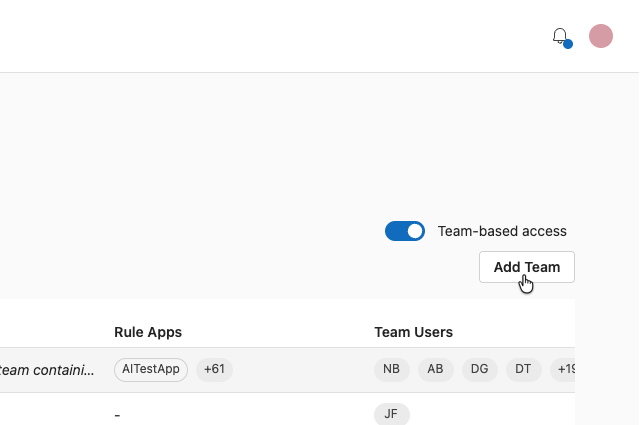
- Choose Add Team.
- Enter a name and description.
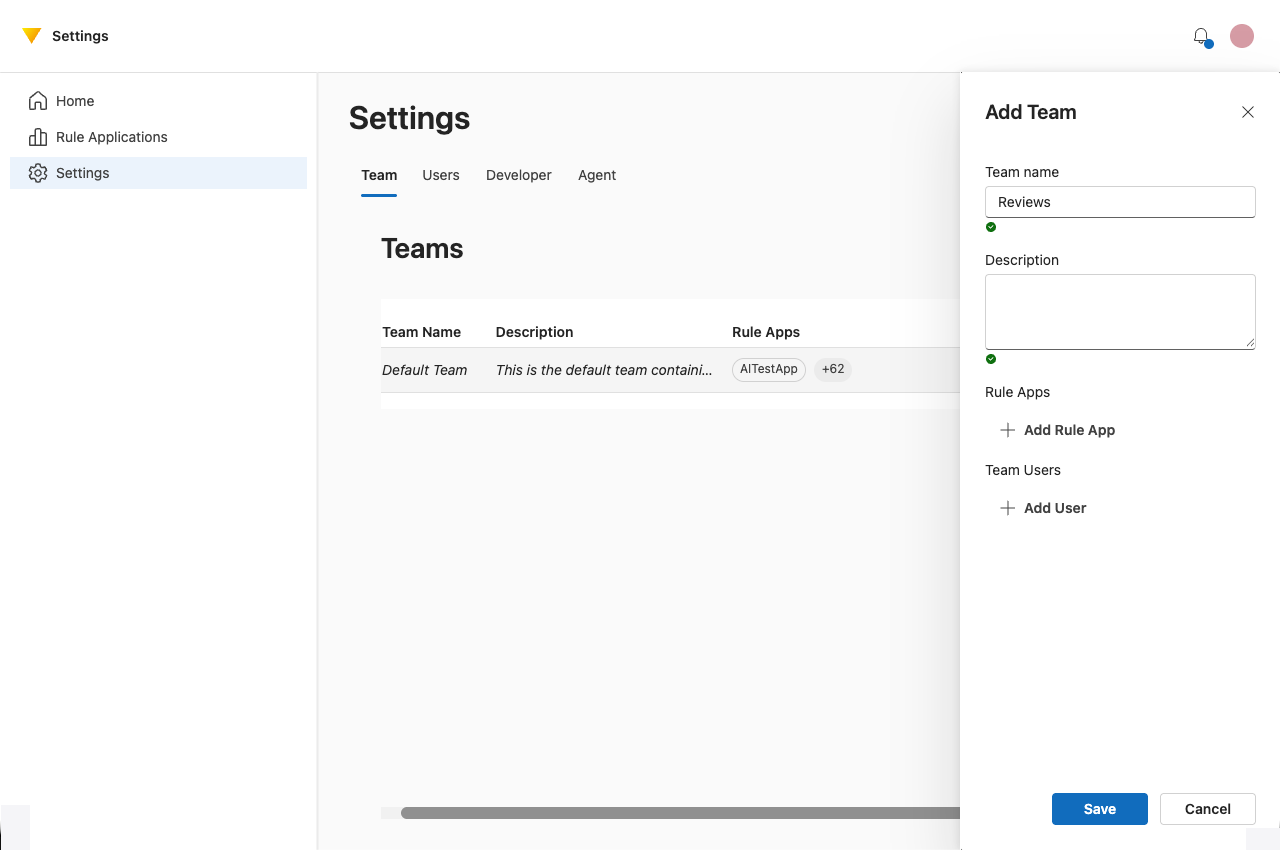
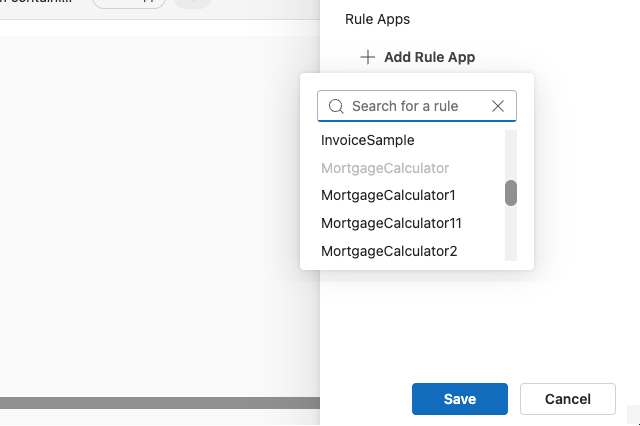
- Assign rule applications to the team.
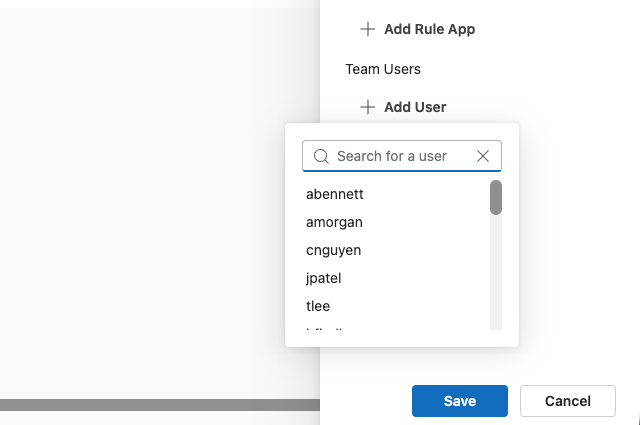
- Assign users from the team. Only users already in the catalog can be added. Users can belong to multiple teams.
- Save your changes. Team permissions take effect immediately.
Deleting a Team
If a team is deleted, all rule applications assigned to that team are automatically reassigned to the default team.