Using Machine Learning with Your New Trial? Update irAuthor Now for the Latest Features
Issue
When adding a new machine learning endpoint to a rule application, users may experience an issue in the trial version of irAuthor® available from the "Download irAuthor" button in trials during a certain period (see Impact, below).
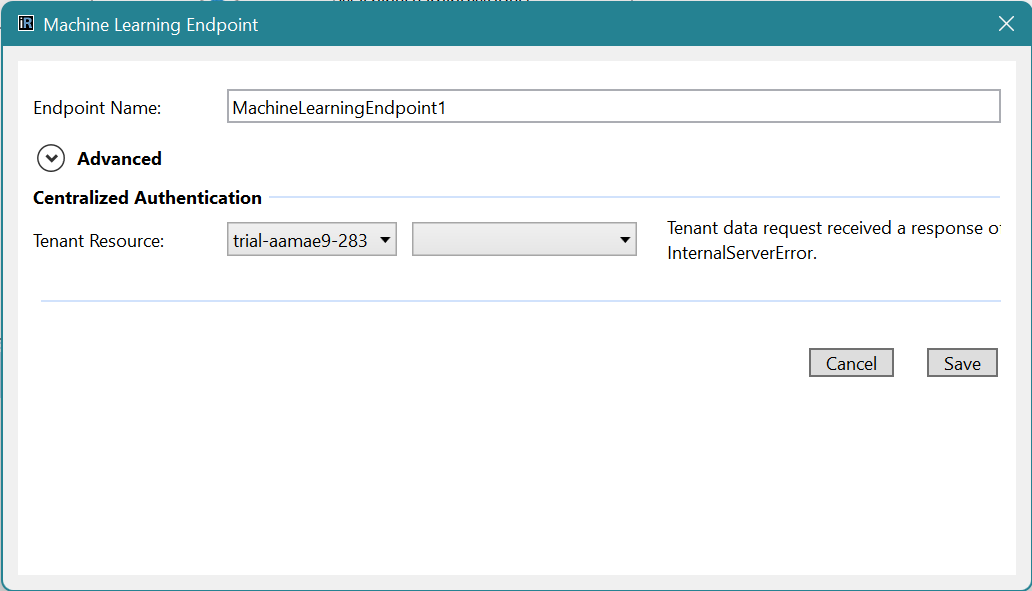
The error will present as: "Tenant data request received a response of InternalServerError" as shown below.
Impact
Users in trials that were provisioned between April 3 and April 13, 2022, who wish to explore adding a machine learning model to their rule application, such as when following the Quick Start Guide to Operationalizing AI.
Resolution
We have identified the issue and trials provisioned on or after April 13, 2022, will not exhibit this issue. For users who do have a trial that was provisioned during this window, follow these steps.
-
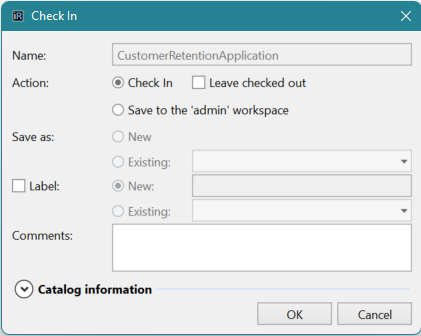
Important: Check in any work you had done so far to your trial catalog by clicking on Catalog --> Check In
-
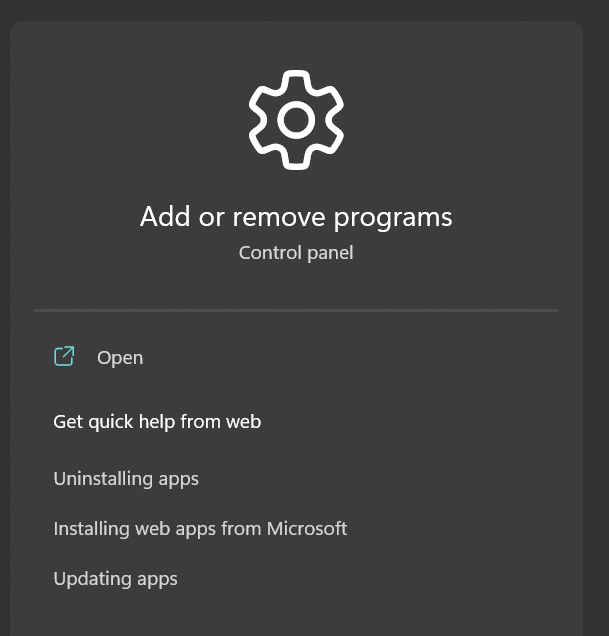
Next, remove the current trial version of irAuthor from your PC. Go to Start Menu --> Add/Remove programs, select irAuthor Trial from the list, and click Uninstall.
-
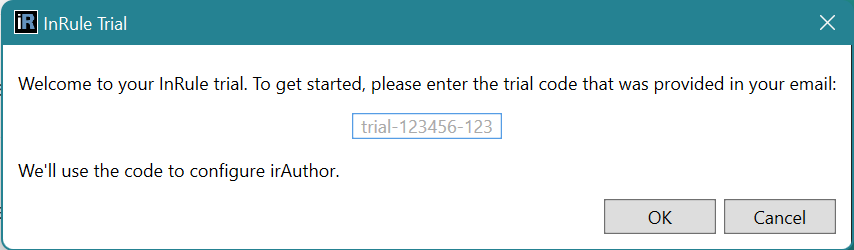
Download a new trial version of irAuthor by clicking here. You will likely need your trial code, found in the URL of your trial homepage: trial-XXXXX-###.inrulecloud.com
Any rule applications that are checked in to the catalog will be available after installation. If you have any questions, please reach out to your sales contact or support@inrule.com .