InRule AI
Using InRule AI features
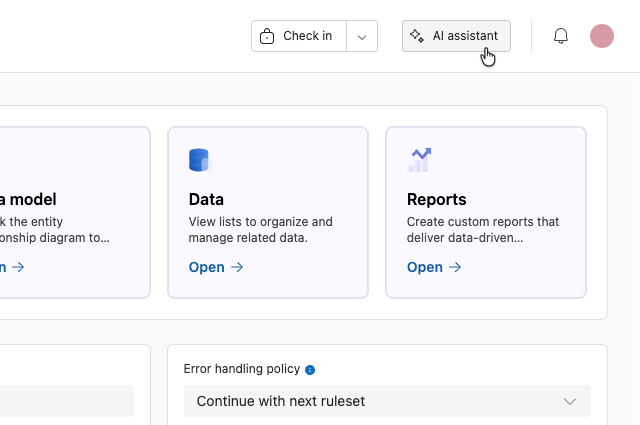
InRule AI features can be accessed by clicking on the AI assistant icon in the menu in the upper right corner of the screen.
You must be inside of a rule application to see the feature.
From the AI menu, you can choose from the available models to decide how you will use our built-in AI to explore your Rule Application.
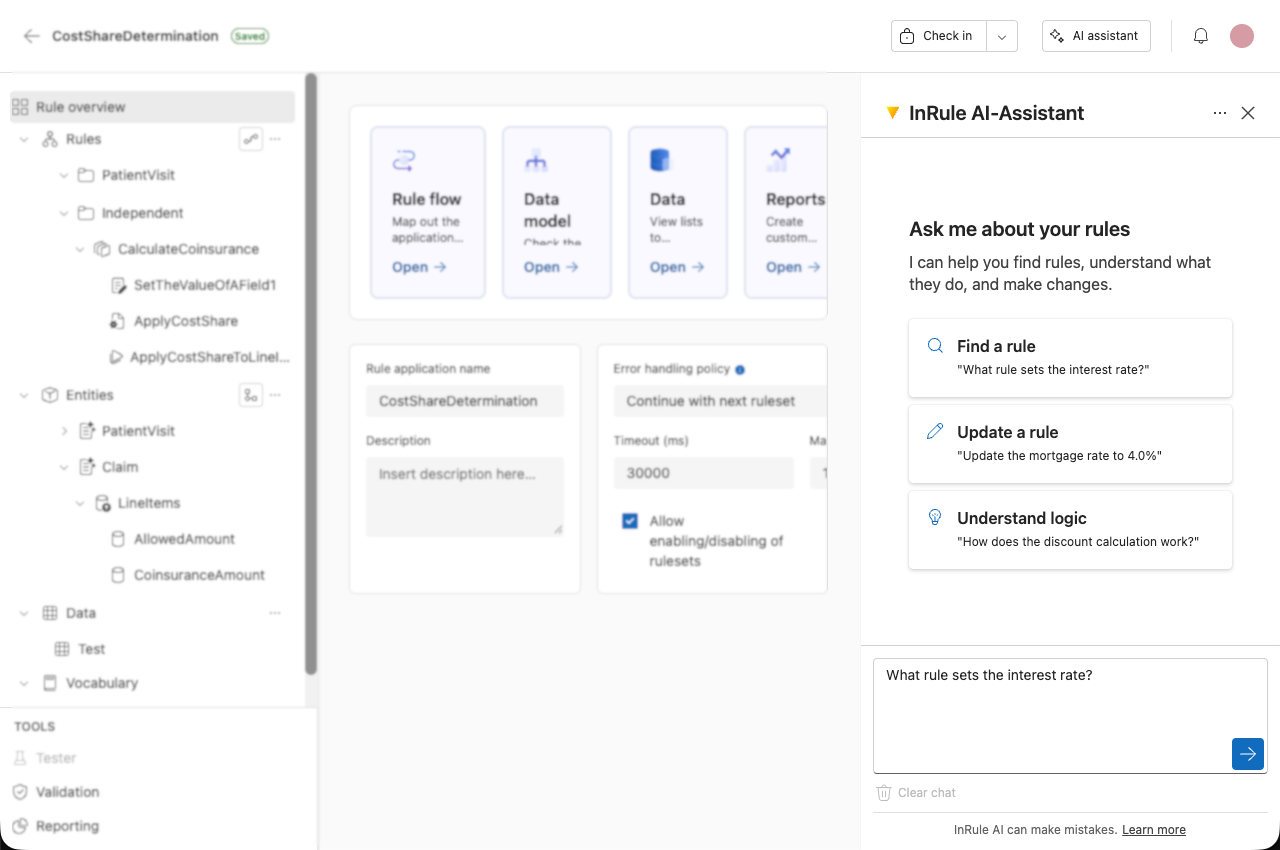
Clicking on an option will prefill the textbox with the suggested prompt.
The prompt is not context aware; the example prompt is the same regardless of the current rule application.
Once in a chat, the bot can switch to another prompt. If you decide you want to update a rule after finding it, you do not need to start a new chat.
AI assistant conversations
Your conversation with the AI assistant behaves as follows.
Private to you Each author has their own conversation for a rule application. Users editing the same rule application do not share chat history.
Survives interruptions A conversation persists across a page refresh, a brief disconnect, or reopening the tab, instead of starting over.
One active tab If you open the assistant for the same rule application in another tab, the assistant tells you so and directs input to the active tab.
Idle timeout A conversation expires after 30 minutes of inactivity. You are warned 2 minutes before it expires, at the 28-minute mark.
Conversation capacity A conversation also has a maximum length. As it approaches that limit, you're warned in advance with guidance on what to do next.
Clear chat Select Clear chat to start over on demand, instead of waiting for the idle timeout or refreshing the page. This clears the visible chat and resets the assistant's underlying context, so the new conversation starts with no memory of the old one.
AI analytics
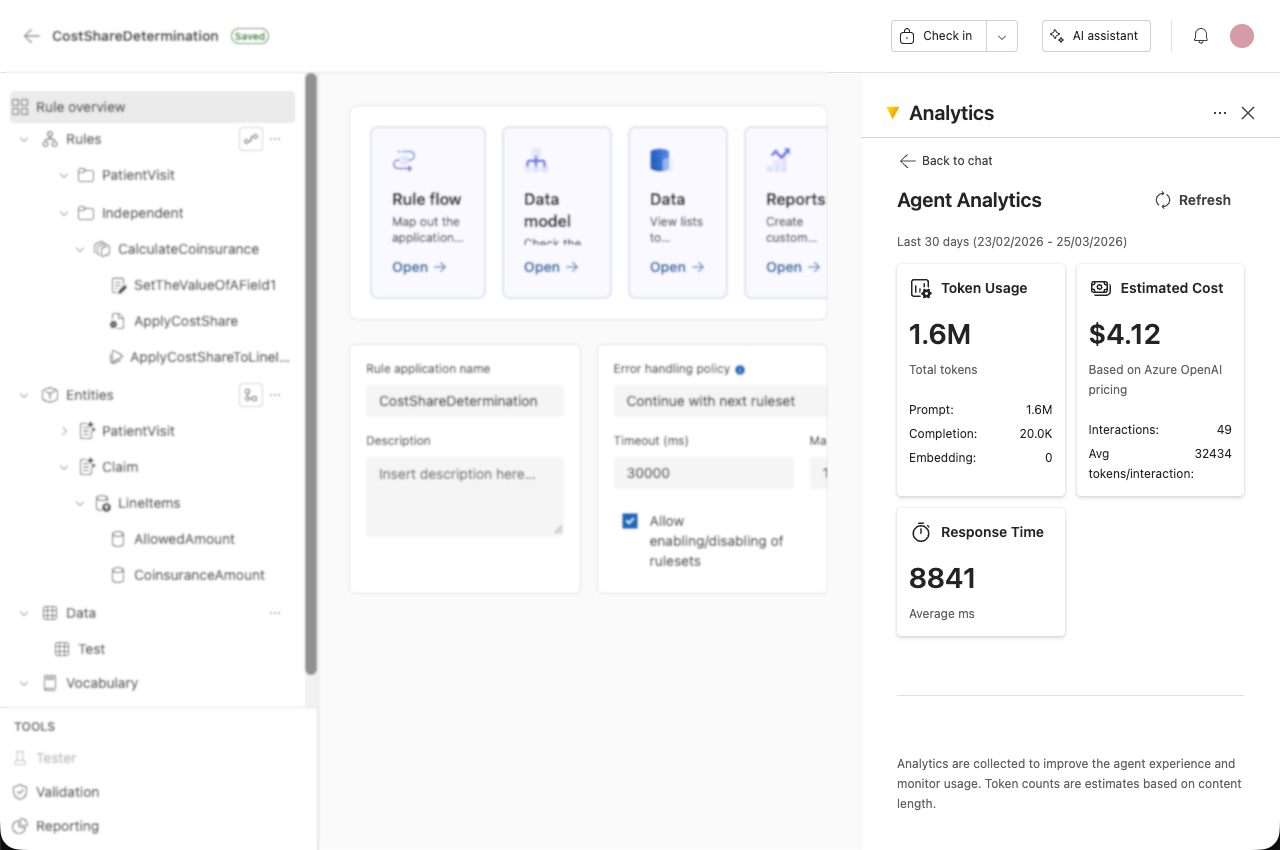
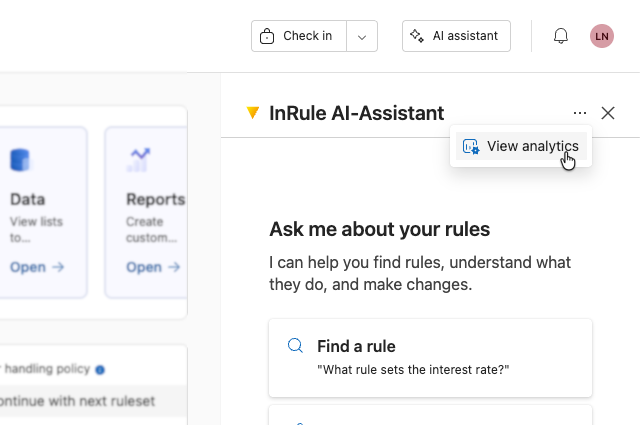
Click on the analytics icon to switch to Agent Analytics.
Here you can view:
- Token usage
- Estimated cost
- Response time